Featured Books
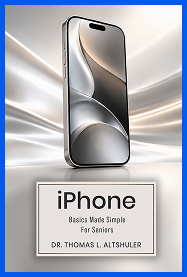
IPhone Basics Made Simple For Seniors
Designed especially for seniors, iPhone Basics Made Simple for Seniors offers clear, practical guidance for using the iPhone with greater confidence. Dr. Thomas L. Altshuler explains essential everyday features through straightforward instructions, helpful visuals, and easy steps. Readers can learn how to navigate the Home Screen, manage contacts, make and receive calls, send messages, organize appointments, take photos and videos, browse the web, use Siri, adjust settings, and recognize common scam warning signs.
Learn More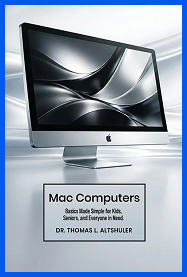
Mac Computers: Basics Made Simple For Seniors And Everyone In Need
Mac Computers: Basics Made Simple for Seniors and Everyone in Need is a practical guide for readers who want to understand essential Mac features without unnecessary technical complexity. Dr. Thomas L. Altshuler explains how to navigate the Desktop, Dock, Menu Bar, and Finder, organize files and folders, use Calendar and Contacts, manage Mail and Messages, browse the web with Safari, work with Microsoft Word, use Dictation and Read to Speak, print documents, and take advantage of helpful accessibility features. Clear instructions and visual examples allow readers to learn at a comfortable pace and use their Mac with greater confidence.
Learn More